


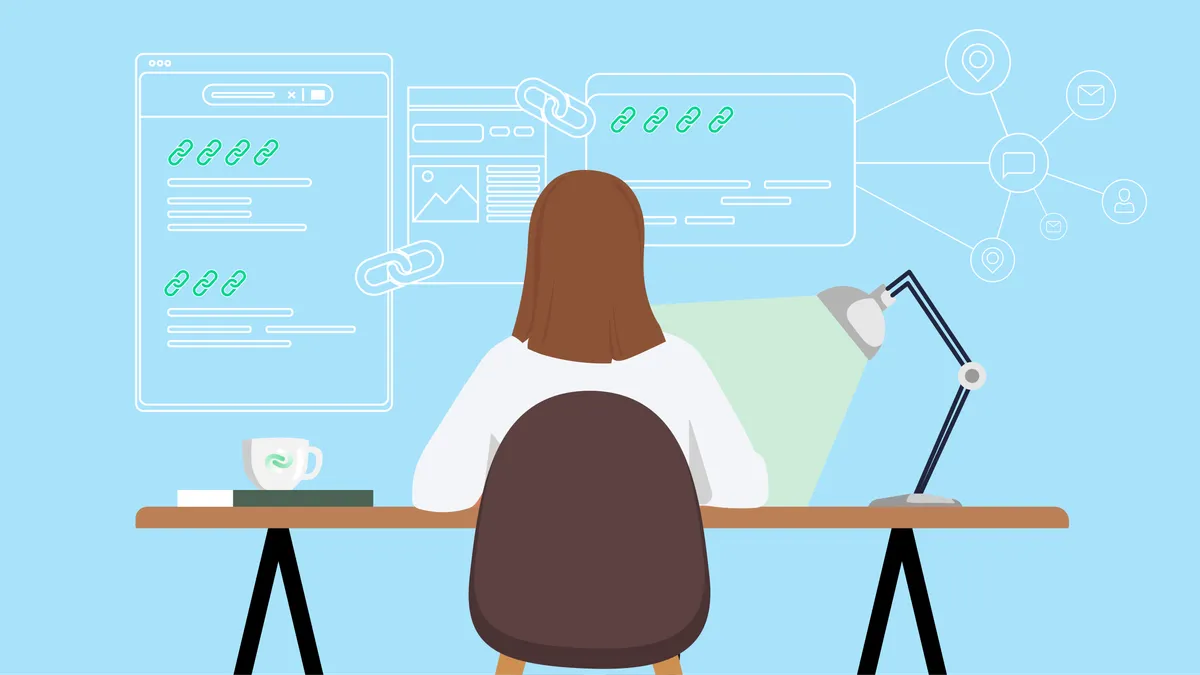
When a student finds a useful science activity or a teacher shares a reading list, a link helps people move from one page to another. Links also help websites show how their ideas relate. Understanding that simple connection can make the internet easier to explore—and help readers spot the difference between a helpful recommendation and a link added just to attract attention.
What a link tells us
A link is a clickable path to another page. In an article about planets, for example, a link to a museum’s astronomy guide could give readers extra information. The words that people click are called anchor text. Clear anchor text tells readers what they are likely to find, such as “a guide to the planets,” rather than a vague phrase like “click here.”
Links can be useful to people and to search engines, which organise information and help users find pages. A relevant link gives readers a next step and can show how two pages fit together. But a link is not proof that everything on the destination page is accurate. Readers still need to consider who made the page, when it was updated, and whether its claims are supported.
What are niche edits?
A niche edit is a link added to an existing article or web page. Instead of publishing a brand-new article that contains the link, someone asks for a link to be placed in content that is already online. The phrase “niche” refers to the subject area: a page about gardening might link to a relevant plant-care resource, while a page about learning might point to a useful educational activity. The practice is also known as a link insertion. This niche edits explanation explores the idea in more detail.
For readers, the important question is not simply whether a link was added later. It is whether it genuinely belongs. Imagine reading a page about a school garden. A link to instructions for growing herbs could help readers continue their project. A link to an unrelated shopping page would interrupt the lesson and offer little value.
How to judge whether a link is helpful
Use a few quick checks whenever you encounter a link in an article, classroom handout, or search result:
- Check the connection. Does the linked page add useful information to the topic you are reading about?
- Read the anchor text. Does it describe the destination clearly, without promising something the page may not provide?
- Look at the source. Is it clear who published the page and what experience or evidence supports its information?
- Notice the context. Does the sentence explain why the link is there, or does it feel awkwardly inserted?
- Ask an adult when needed. Some pages may include adverts, collect information, or contain material that is not suitable for children.
These checks are useful whether a link appears in a newly written article or was added to a page that has been online for years. The age of a page does not guarantee that it is current, and a familiar-looking website is not automatically reliable. For schoolwork, compare important facts with trustworthy books, teachers’ materials, or other dependable sources.
Good links begin with useful content
People who create websites may work with writers, designers, developers, or marketing specialists. A freelance marketplace such as Osdire is one place where buyers can hire freelancers across fields including writing, design, programming, video, and marketing. When choosing help for a project, it is still important to explain the audience and purpose clearly and to review the finished work. A link should support the page, not be added simply because someone wants more clicks.
For a classroom website, a strong approach is to start with a real reader’s question: What would help a student understand this topic or try the activity safely? Write clear explanations, check the facts, and choose links that answer a natural follow-up question. If a link is proposed for an existing page, read the whole page and decide whether the new sentence fits its meaning and tone.
A simple digital-literacy habit
Links are part of how the web connects ideas. Niche edits describe one way a link can be placed into existing content, but the label matters less to a young reader than the link’s purpose and quality. Pause before clicking, think about who created the destination, and ask whether it helps with the question at hand. Those small habits make online research more thoughtful—and help keep learning focused on information that is relevant, clear, and safe.
